Choose the opening system
Create fixed glazing, sliding panels, hinged doors and windows, top-hung or bottom-hung windows, and tilt-and-turn windows.
THE TOOLBOX / 02
Create window, glazing, and door assemblies in 3ds Max without modeling each frame and panel separately. Set dimensions directly or use a spline to define the layout, then control panel divisions, frame sizes, and opening positions.
Tutorial & walkthrough ↓SEE THE WORKFLOW
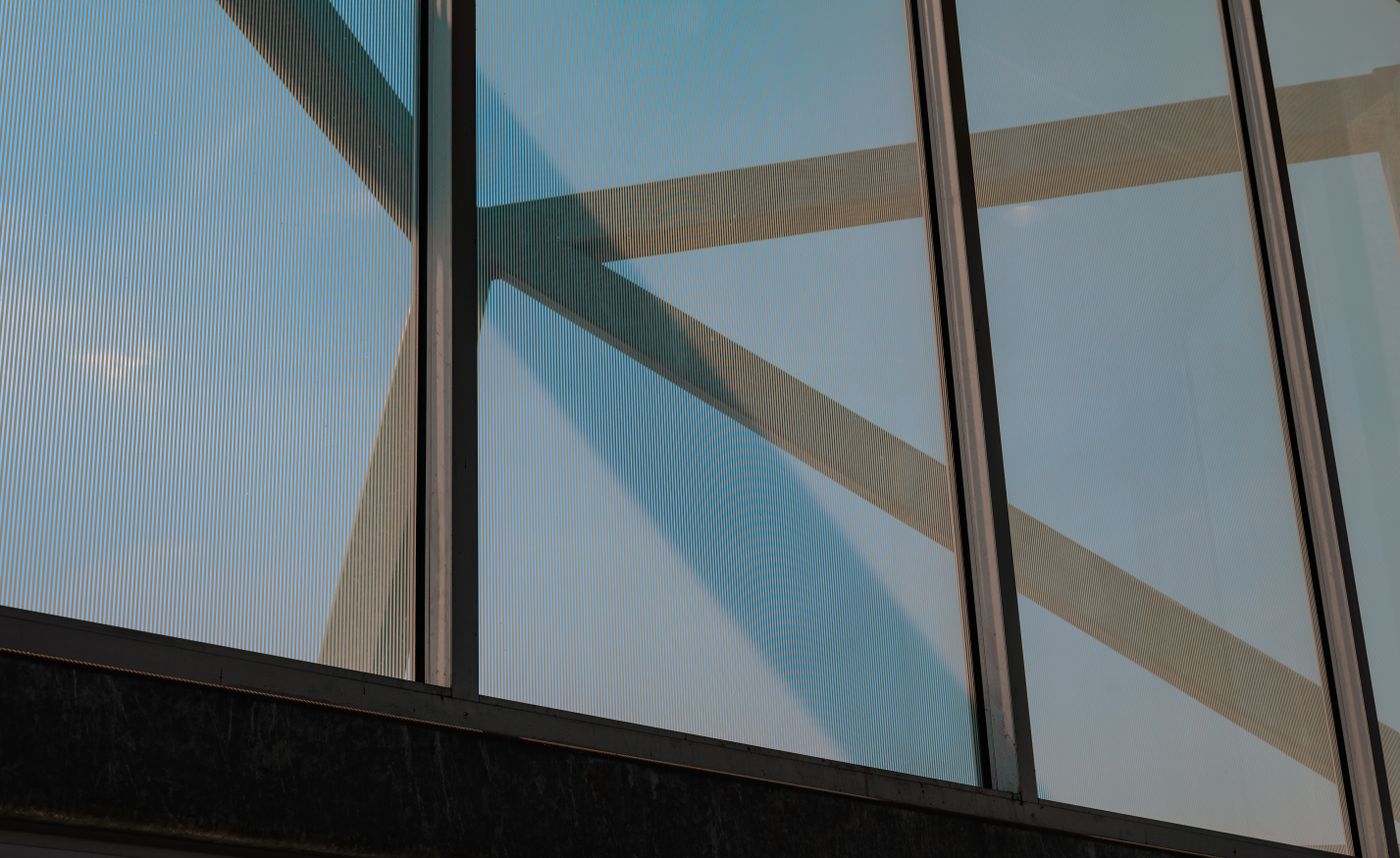 REFERENCE PHOTO
The video walkthrough will appear here.
Reference visual · tutorial video not yet available.
WHAT YOU CAN DO
Create fixed glazing, sliding panels, hinged doors and windows, top-hung or bottom-hung windows, and tilt-and-turn windows.
Enter a width for a straight assembly or use a selected spline to define a facade or window path.
Adjust height, bays, rows, frame width and depth, glass thickness, and base elevation. Use equal or custom row heights.
Set the opening amount for one panel or all panels, choose sliding stack direction, and adjust hinge angles.
Apply mixed open/closed states or random opening amounts with a repeatable seed.
Save and load presets, load an existing assembly, and update its generated parts when the design changes.
Choose a system → enter dimensions or pick a spline → create the assembly → adjust openings.
YOUR TOOLBOX
Window Generator is $18 on its own, or included in the $70 Polyline bundle.
$80 separately · $70 full bundle · Save $10. Based on the listed launch prices.
Explore the $70 bundle ↗BEFORE YOU GET STARTED
Compatibility, installation instructions, and license details will be published before purchasing opens.
The animated preview shows frame and glazing creation, pane layouts, and centre-split sliding panels opening through the generator controls. It also compares clear, frosted, smoked grey, bronze, blue-tinted, and fluted glass as rendered material studies on the generated geometry; the backdrop is for presentation. A step-by-step tutorial will be added here.