Four stair layouts
Create straight, L-shaped, U-shaped, and spiral stairs. Turning layouts include landing controls; spiral layouts have diameter, sweep, and direction controls.
THE TOOLBOX / 04
Generate adjustable stair assemblies in 3ds Max, including treads, supports, landings, and railings. Choose a straight, L-shaped, U-shaped, or spiral layout, then load the assembly again to revise its dimensions and finishes.
Tutorial & walkthrough ↓SEE THE WORKFLOW
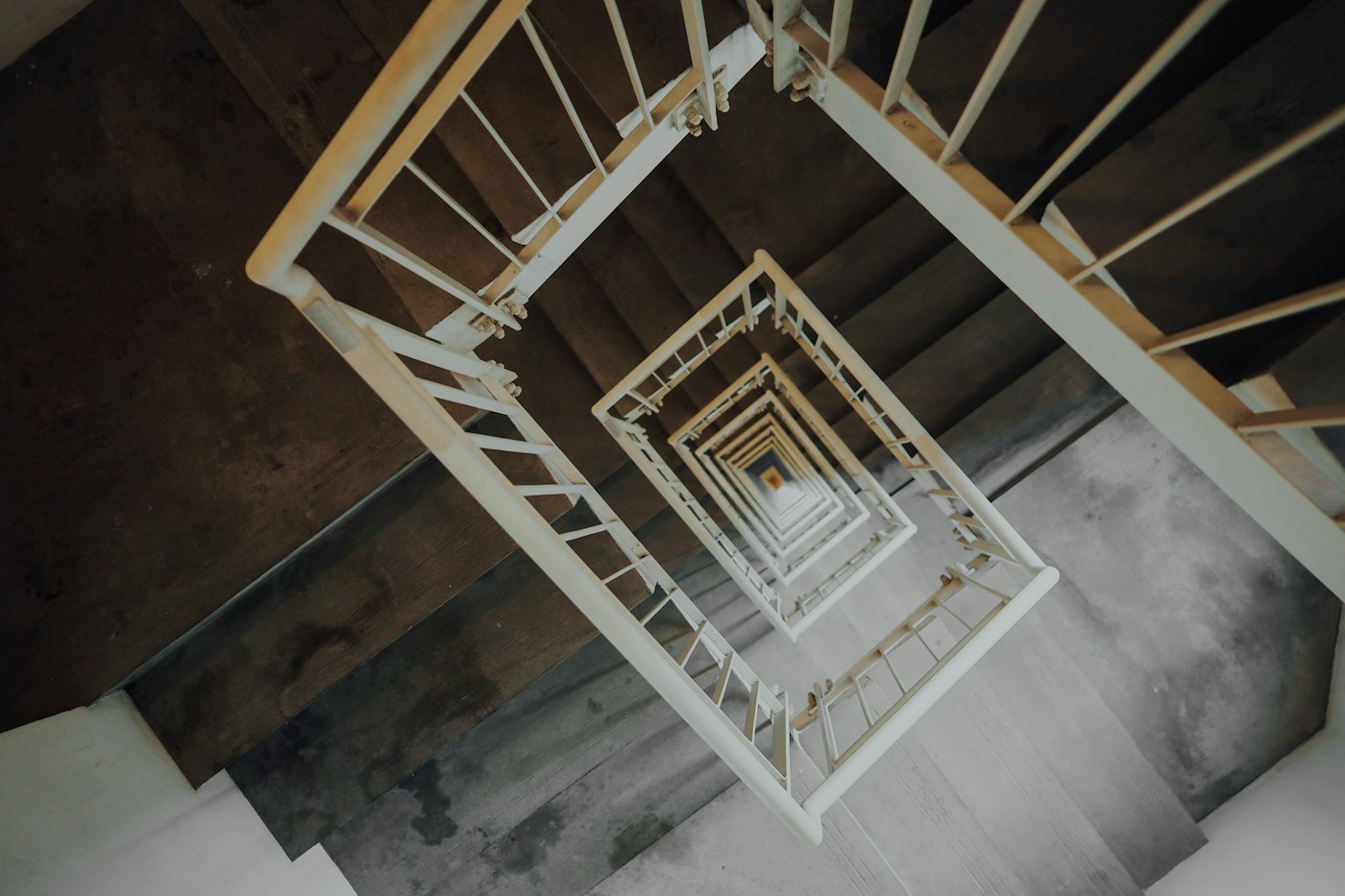 REFERENCE PHOTO
The video walkthrough will appear here.
Reference visual · tutorial video not yet available.
WHAT YOU CAN DO
Create straight, L-shaped, U-shaped, and spiral stairs. Turning layouts include landing controls; spiral layouts have diameter, sweep, and direction controls.
Adjust floor-to-floor height, tread dimensions, riser or step count, and nosing. Read the calculated rise and layout information in the panel.
Use a central spine, twin stringers, or solid body for flight stairs. Spiral stairs use a central column and radial brackets.
Choose point-fixed glass, vertical bars, or no railing. Adjust handrail height, glass thickness, and panel divisions, with side controls for flight stairs.
Load a stair from its group or any component and update its settings while retaining the assembly placement and existing component material assignments.
Bake a separate Editable Poly copy for manual modeling while keeping the original adjustable stair assembly.
Choose a layout → set stair and railing dimensions → create → load and update as needed.
YOUR TOOLBOX
Stairs Generator is $18 on its own, or included in the $70 Polyline bundle.
$80 separately · $70 full bundle · Save $10. Based on the listed launch prices.
Explore the $70 bundle ↗BEFORE YOU GET STARTED
Compatibility, installation instructions, and license details will be published before purchasing opens.
The animated preview shows structure, treads, glass and handrails, followed by straight, L-shaped, U-shaped and spiral configurations. Additional rendered styles use the generator's preset geometry: concrete with LED lighting, marble and brass, metal grating, sculpted timber, stainless-rod railings, and a white-and-teal spiral. A step-by-step tutorial will be added here.